
Good business website SEO starts with a site that search engines can access and understand, and that is useful to the people who visit it. This checklist starts from the obstacles to crawling and indexing, then moves on to content, metadata and performance. The technical side makes the site usable; it doesn't guarantee rankings or citations in AI answers.
Where to start when checking a site
When I check a site, I separate what shows up in the browser from what the search engine actually managed to retrieve. A page can work for me and still have a problem for the crawler: redirects, blocked resources, server errors or content that doesn't load. You need to check the actual URL, not just look at the homepage.
The order below is a suggested working priority: access and content first, then presentation and improvements. It isn't a ranking of how much each factor weighs in the algorithm.
The 2026 technical SEO checklist, by priority
For each important page, check the HTTP response, directives, preferred URL and content. Then use the search engine's own tools to tell a page that is available today apart from a page that is already in the index.
| Item | Why it matters | Priority |
|---|---|---|
| HTTP response and content | The page must respond correctly and show the expected content. | First check |
| Robots and noindex | Robots controls crawling; noindex controls exclusion from the index, as long as the crawler can read it. | First check |
| Canonical and redirects | Point to the preferred URL and check that redirects lead to the relevant page. | First check |
| Internal links and sitemap | They help pages get discovered, without guaranteeing they get indexed. | Discovery |
| Title and description | They summarize the page; the search engine may choose different text in its results. | Understanding |
| Headings and text | Clear sections make the content easier to navigate. | Understanding |
| Mobile version | Check content, navigation and accessibility on the devices your customers use. | Experience |
| Core Web Vitals | They measure loading, responsiveness and visual stability. | Experience |
| HTTPS and images | Check secure connections, accessible images and descriptive alt text. | Experience |
| Structured data | Describe only entities and content that are actually on the page. | Presentation |
| Sources and review | Back up claims and update information when it changes. | Quality |
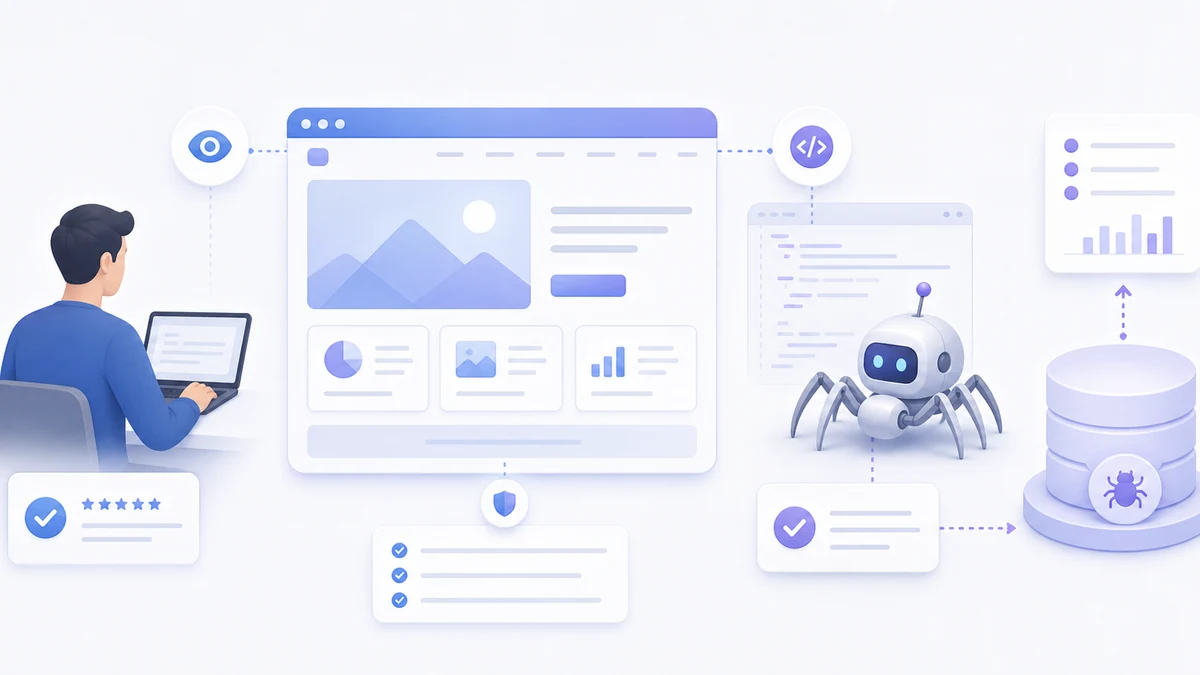
Indexability: first of all, make sure you can be found
Check robots.txt, meta robots and the X-Robots-Tag header. A robots block prevents crawling, but it isn't the right way to ask for a page to be removed from the index: Google has to be able to read the noindex. The difference is explained in Google's robots.txt guide.
Title, meta and structure: make the page readable
Write a specific title and a description that is faithful to the page. No fixed character limit guarantees that they will be shown in full: titles and snippets can be truncated or rewritten. Google explains how title links in search results and snippets are generated.
- Use a recognizable main title and subheadings that follow the order of the sections.
- Give each page its own title, describing what the page contains.
- Choose URLs that people can understand and keep them stable.
- Set the preferred canonical URL and keep it consistent with internal links and the sitemap.
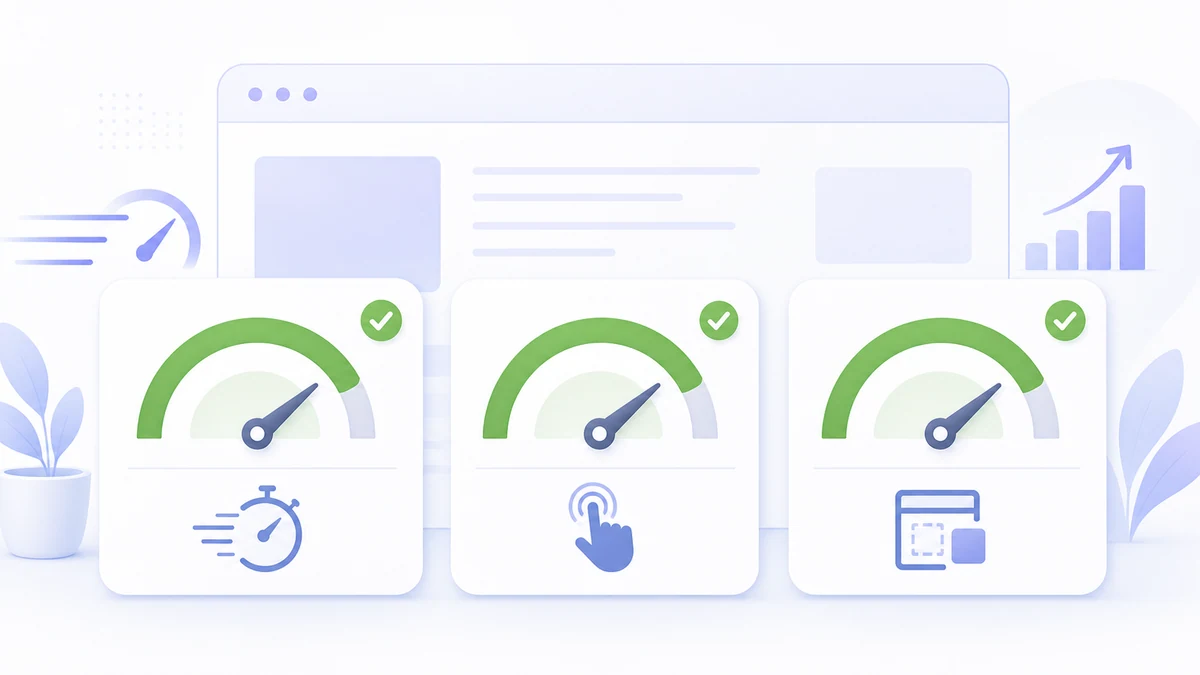
What Core Web Vitals are and why they matter
Core Web Vitals measure how quickly the main content loads (LCP), how responsive the page is to interactions (INP) and how stable the layout is (CLS). They are a check on page experience: improving them doesn't replace relevant content, and on their own they can't predict conversions.
Loading and maintenance problems can share causes, such as unnecessary resources or dependencies that are hard to update. It's better to measure the problem before blaming a framework or AI. On the subject of understanding code, you can read my reflection on technical debt in the AI era.
Structured data: speaking the machines' language
Structured data describes elements of the page in a machine-readable format, often JSON-LD. For supported features it can make the page eligible for rich results, without guaranteeing that they appear. It must match the visible content, as Google's guidelines require.
Consider Organization, BreadcrumbList and Article where relevant, and LocalBusiness only when it describes the business correctly. FAQs are still useful for readers, but Google retired FAQ rich results as of May 7, 2026: don't promise them on the strength of FAQPage markup. Source: Google's official updates.
GEO: getting cited by AI, not just by Google
For AI Overviews and AI Mode, the SEO fundamentals apply: Google doesn't require a special schema or a dedicated AI file. The page must be indexed and eligible to be shown with a snippet. Source: AI features and your website.
- Answer the reader's question with information that can be verified.
- Use FAQs and tables when they make the content clearer, without treating them as shortcuts to citations.
- Cite relevant sources and keep examples, opinions and observed data clearly apart.
- Make the main text accessible and link to the pages that go deeper.
Connecting an assistant to internal data through MCP is a different project from getting the public site indexed. It can be useful for the company's work, but it isn't a requirement for appearing in search results.
How we apply these checks on the LuCz blog
This blog uses Vision as its editorial source and publishes the articles on LuCz. The site generates metadata, sitemap, feeds and structured data from the content. Automatic generation doesn't check whether the claims are true: sources, links and relevance still need reviewing after publication.
First make the site accessible and understandable. Then ask whether the pages really answer your customers' questions.
Frequently asked questions
How long does it take to rank on Google?
Does a small business website need structured data?
What are Core Web Vitals and why do they matter?
What is GEO and how do I get cited by AI?
Does a blog help a business website's SEO?
Want a hand with your site's SEO?
If you want to find the obstacles on your site, write to me at matteo.lucrezio@lucz.dev with the URL and the pages you care about. Under LuCz services you'll find the work on websites, software and integrations.
Sources
Written by

Matteo Lucrezio
Startupper | Lead Software Engineer