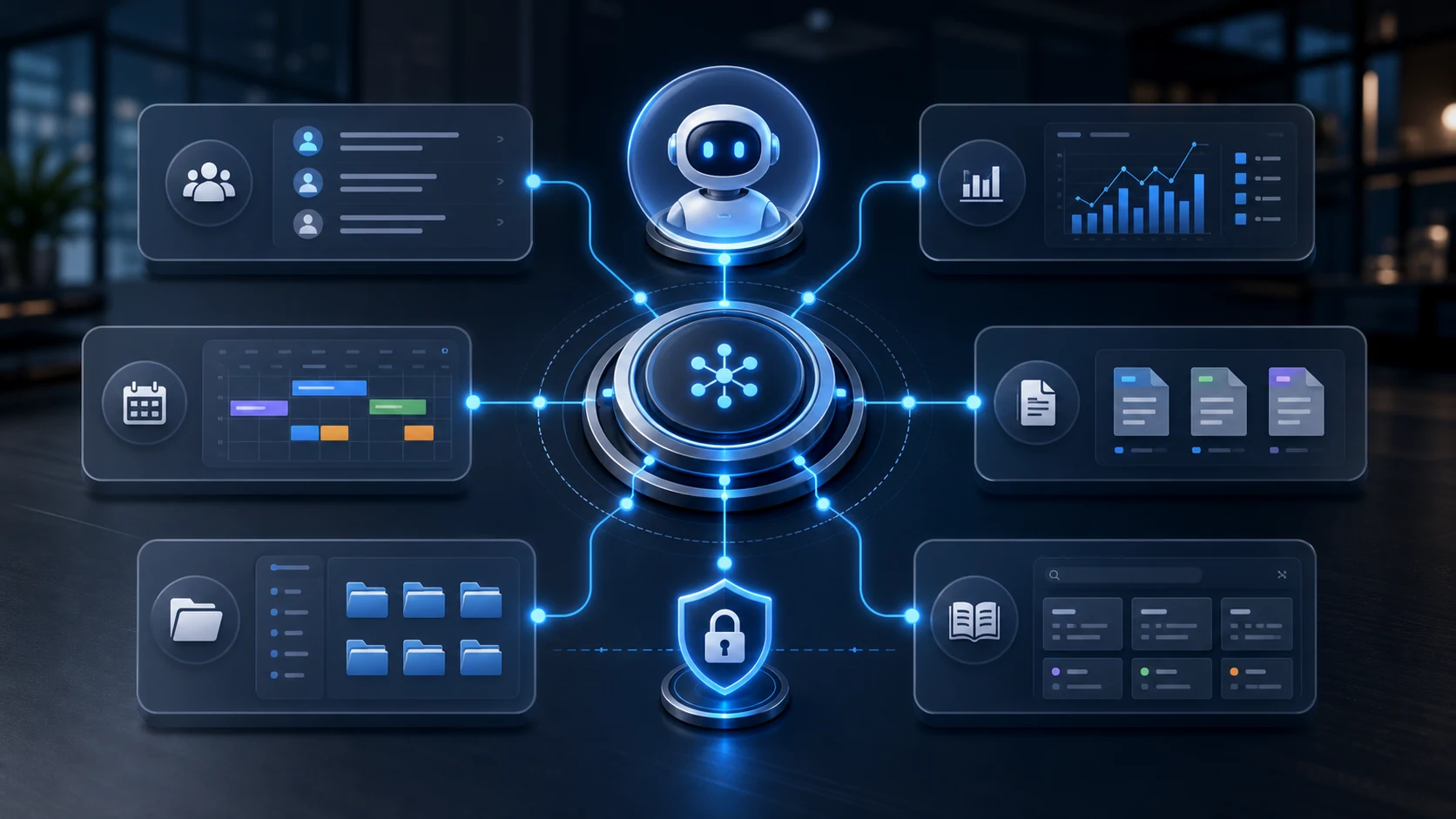
Connecting AI to company data lets an assistant retrieve information from authorized systems and, where allowed, change it. MCP, the Model Context Protocol, is one of the ways to build that connection. Before the demo, though, you need to be clear about the available data, the permissions and the controls on actions. In this guide I start from exactly these points.
The problem: chatbots don't know your company
An assistant can answer questions about your company's data only if you give it that data or connect it to a source it can access. An uploaded file may be enough for a one-off question; for a recurring workflow, an integration with your management software can be more useful.
Exporting data by hand creates a snapshot of a single moment and forces you to choose what to share. The problem is not that an upload is always insecure: you need to check permissions, data processing and how current the information is. The same checks apply when you introduce a connector.
What MCP (Model Context Protocol) is, in simple words
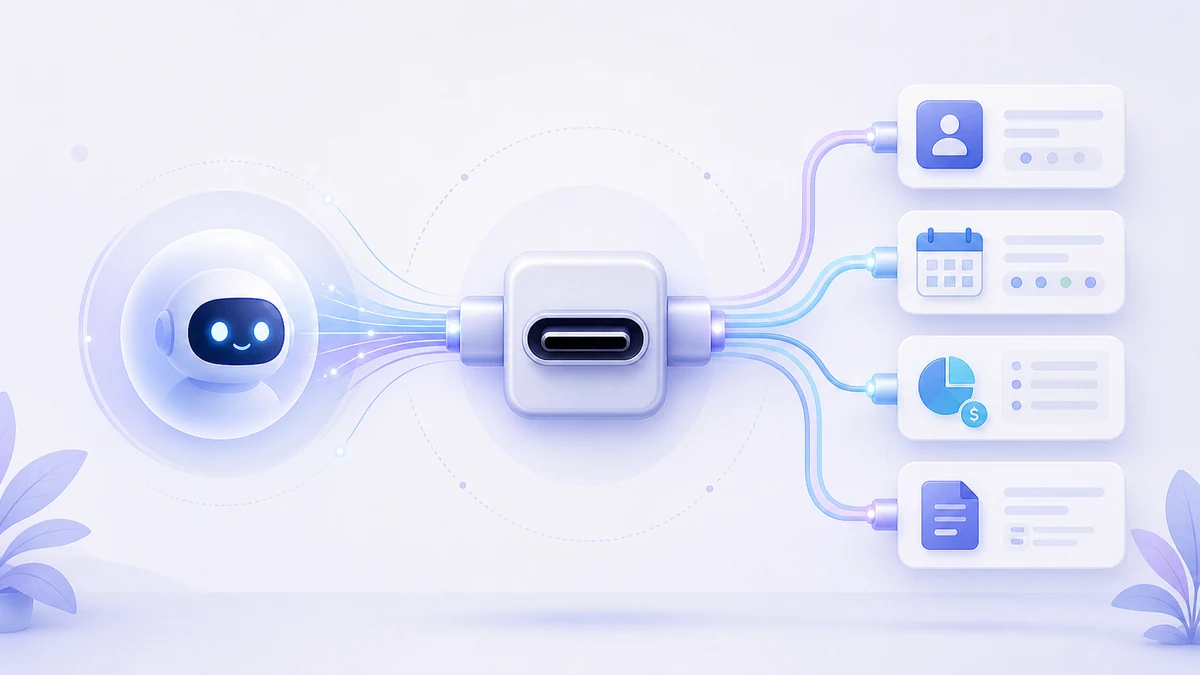
MCP defines a common interface through which AI applications and servers can exchange context and use tools. A compatible app can connect to several servers, each with specific functions. It does not automatically create an integration with software that doesn't have one. Source: MCP architecture.
The server exposes operations with names and parameters: for example, searching contacts or creating an appointment. The assistant decides which ones to call based on the request and the application's rules. Reading real data reduces some guesswork, but it doesn't eliminate errors in selection, interpretation or calculation.
What changes compared with copy-pasting into a chatbot
With an active connection you can retrieve information without preparing a new export for every question. Coverage depends on the tools exposed: a read function doesn't imply that a write function exists too. Caches, sync delays and missing fields can affect the answer.
| Aspect | Uploaded file | MCP integration |
|---|---|---|
| Available data | Whatever was selected for upload | Whatever the authorized functions return |
| Freshness | Date of the export | Freshness of the sources and of any caches |
| Writing | Doesn't update the source system by itself | Possible only if an enabled function exists |
| Security | Access to and handling of the shared file | Access, tokens, tools and handling of the results |
| Initial work | Prepare and check the file | Configure and test the connection |
Concrete examples: what you can ask the AI
The requests below are hypothetical examples of a business workflow. They don't describe results already achieved or functions guaranteed by every MCP server: each row requires reliable data and suitable tools.
| Area | Possible request | Before running it |
|---|---|---|
| CRM | Which contacts haven't had a follow-up? | Define what counts as a contact and check the history |
| CRM | Add this company as a lead | Check for duplicates and required fields |
| Finances | How much have we spent on software? | Set the period, accounts and categories; compare the total with the records |
| Calendar | Suggest a call with a client | Check availability, time zone and permission to send the invite |
| Documents | Find the clause in the supplier contract | Check the version, page and original text |
| Tasks | Which tasks are overdue? | Check the status and due date of the tasks |
Security: what the integration has to check
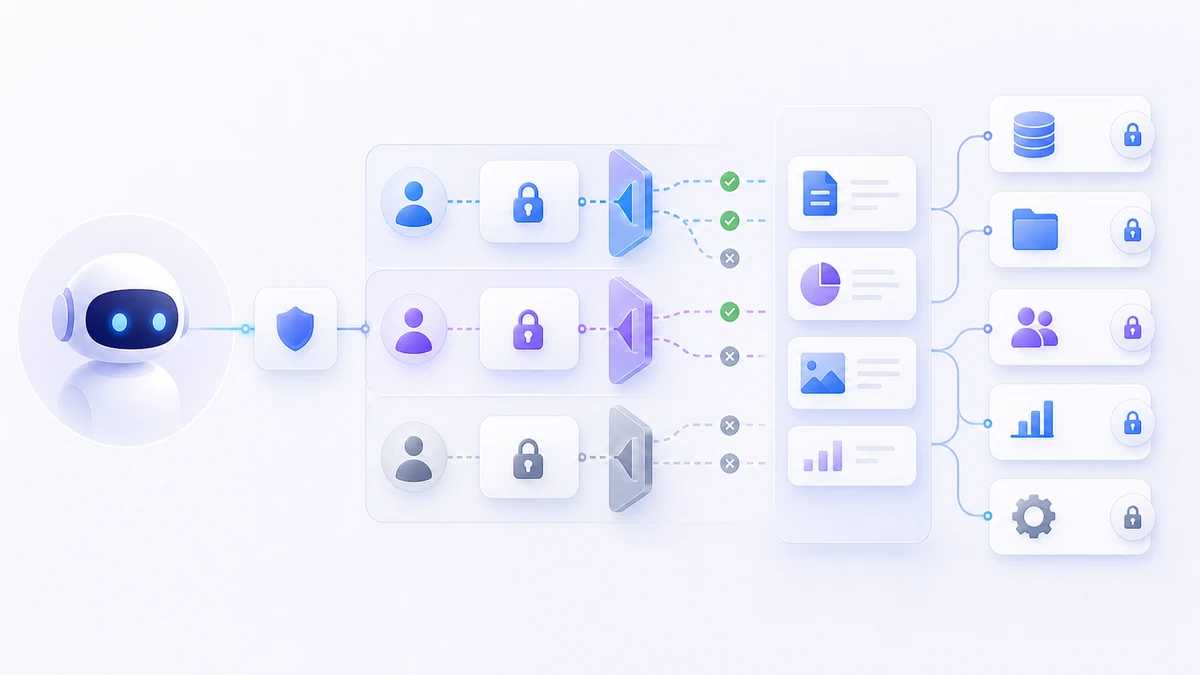
Company permissions are not inherited automatically just because MCP is in use. The server has to check identity, authorization and record access for every operation. Authorization to connect and the right to read a specific piece of data are separate levels. Source: MCP authorization.
- Limit tools and data to what the task needs, checking the access controls described in the MCP tools specification.
- Test the integration with an account that has limited permissions too.
- Assess what data is sent to the AI provider, how it is stored and who can see it.
- Define confirmations for sensitive actions, logging of operations and ways to recover from errors.
Vision exposes a native MCP server on its modules
Vision exposes MCP tools for working on the platform's data and content. For LuCz it is a useful technical foundation when a project needs a custom system that can be connected to assistants. The tools actually available depend on the account and its permissions; the integration has to be tested on the operations you need.
Data can stay in different systems, as long as it is accessible, consistent and connected according to clear criteria. For documents, a well-organized knowledge base helps identify the right source: it doesn't make the assistant infallible. Keep documentation of the connection as well, to avoid new technical debt.
Being honest: AI doesn't replace your judgment
The assistant can retrieve information and prepare actions, but the result has to be checked against the task. For a bookkeeping entry, check account, amount and date; for a message, check recipient and content. Decide in advance what it can do on its own and what requires confirmation.
An AI connected to your data saves you the time spent searching, not the time spent thinking. The judgment stays yours.
Frequently asked questions
What is MCP in simple words?
Is it safe to give AI access to company data?
Do role-based permissions apply to the AI too?
Which AI assistants support MCP?
Do I need to know how to code to use it?
If you want to connect an assistant to your SME's processes, start from one repetitive operation and the data it requires. Through the LuCz services we can assess existing systems, integrations and custom software. Write to me at matteo.lucrezio@lucz.dev describing the workflow you want to simplify.
Sources
Written by

Matteo Lucrezio
Startupper | Lead Software Engineer