CRM for SMEs: a practical guide to choosing one (and avoiding 5 disconnected tools)
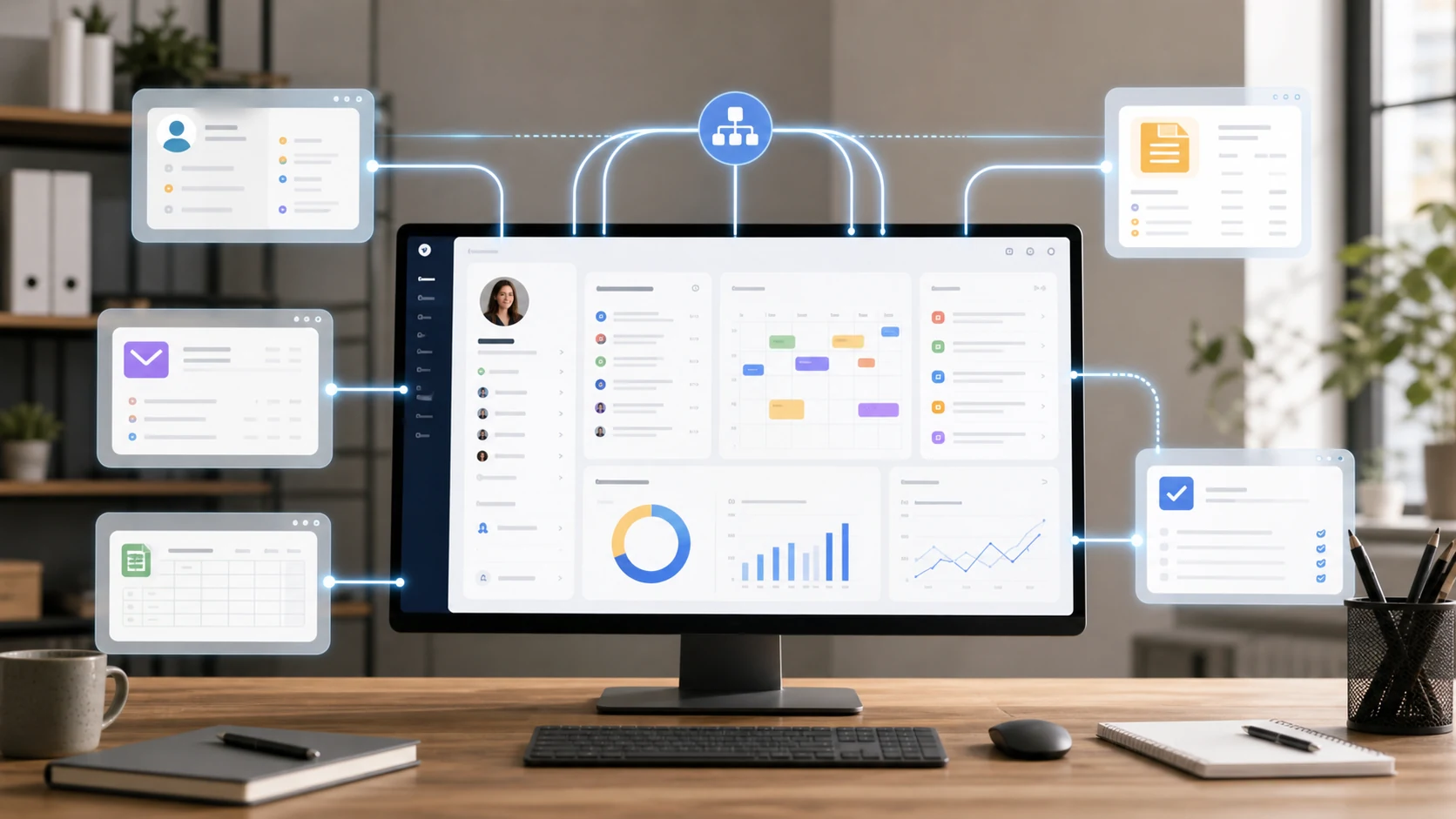
Choosing a CRM for an SME means working out how to manage contacts, deals and follow-ups without losing information. Before looking at software, I would look at where the work breaks down: data copied by hand, unclear responsibilities, hand-offs between Excel, email and WhatsApp. The answer may be a tool you already have, an integration or a custom system.
What a CRM is for an SME (in plain words)
CRM stands for Customer Relationship Management. CRM software can organize contacts, interactions and sales opportunities; quotes, accounting and calendar depend on the product and its integrations. Source: what a CRM is and what it does, Salesforce.
I would judge it on one concrete question: can I tell who is following a contact, what was agreed and what the next step is? Not every function has to live on the same screen, as long as the hand-offs are clear and the data stays consistent.
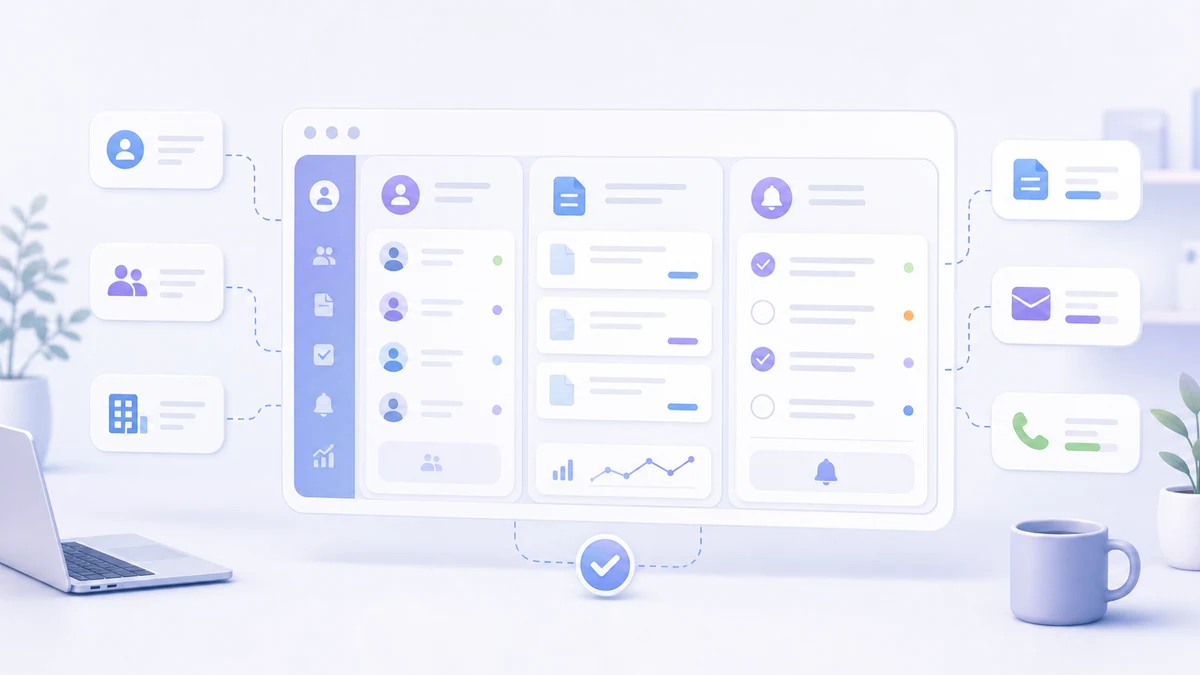
How many Italian businesses use a CRM
According to Eurostat, 21.7% of Italian enterprises with at least 10 employees used CRM software in 2025, against an EU average of 28.5%: Italy ranks seventeenth out of 27 countries (Eurostat, isoc_eb_iip). Among small enterprises the share drops to 19.1%; among medium-sized ones it rises to 37.0%.
| Enterprises | Italy | EU average |
|---|---|---|
| 10-49 employees | 19.1% | 24.7% |
| 50-249 employees | 37.0% | 43.8% |
| 10 employees or more | 21.7% | 28.5% |
This is not a general digital gap: 56.0% of Italian enterprises use at least one business software package among ERP, CRM and business intelligence, above the EU average (53.5%), mostly thanks to ERP. The gap is specifically in customer management. Istat, the Italian national statistics institute, confirms the picture: CRM is used by 21.1% of SMEs and 56.5% of large enterprises (Istat, Imprese e ICT 2025, in Italian), with the lowest figure in the South and the Islands, 19.7% (Istat tables, in Italian).
When does a small business really need a CRM?
You don't always need a new CRM. With few contacts and a simple process, a well-kept shared spreadsheet can be enough. Consider a change when you lose information, manual steps pile up or coordinating several people becomes difficult.
These are the concrete signs that it's time to adopt real customer management software instead of an improvised file:
- You have forgotten a follow-up and lost a sale that was already warm.
- Several people work on the same contacts and each keeps “their own” version of the spreadsheet.
- You can't say offhand how many quotes are open and what they are worth.
- You copy the same customer data into three different places (email, invoicing, calendar).
- When a lead comes in, you no longer know which channel it came from or what you told them.
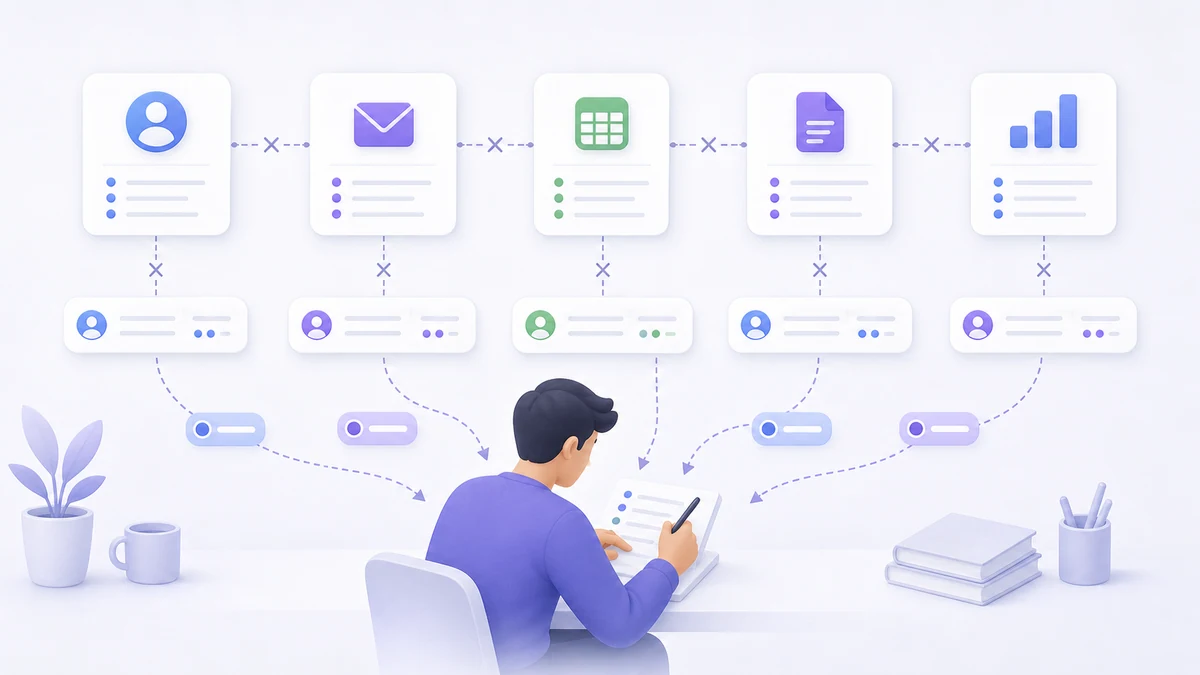
The real problem: 5 disconnected tools that don't talk to each other
Picture a process with one app for contacts, a file for quotes, a management system for invoices and a separate calendar. The number of tools is not the problem in itself: inconsistent copies and hand-offs that nobody owns are.
The cost is not just the subscription. It is the glue work you do yourself: exporting a CSV, pasting it somewhere else, updating an appointment by hand in two places. It is time you don't bill, and the perfect breeding ground for errors: the wrong customer record, the quote that doesn't match the invoice, the double-booked appointment.
The 5 criteria for choosing a CRM for an SME
These are the criteria I would use for a first trial. Start from your real workflows and ask to see how they are handled, not just a list of features.
1. How much duplicate data it forces you to keep
The number one criterion. A good CRM reduces copies of the same data; a bad one creates new ones. Ask yourself: is the customer I enter here the same one I see in the calendar and in invoicing, or is it a third copy I have to keep aligned by hand?
2. Integration with calendar and finances
Check which connections you really need: calendar, quotes, invoicing or support. Some may be native, others require integrations. Test what happens when a piece of data changes and how sync errors are reported.
3. Simplicity and learning curve
Have the team try adding a contact, logging a follow-up and closing a deal. Watch for useless fields and ambiguous steps. The interface matters, but so do training and clear responsibility for keeping the data up to date.
Simplicity is not a detail. In a 2024 Gartner survey of 1,026 B2B sellers, half felt overwhelmed by the technology their job required, and overwhelmed sellers were 45% less likely to meet their sales quota (Gartner). One more CRM that nobody updates makes things worse.
4. Price and total cost
Compare licenses, setup, data import, integrations, training, maintenance and a possible exit. A free plan can be fine for a trial, but it doesn't remove the configuration work. A custom system requires investment and ongoing management: the constraints of the process have to justify it.
To give a sense of scale, these are the list prices published by the vendors on 9 October 2026, per user per month with annual billing, excluding VAT unless stated otherwise. They change often: check the page before you decide.
| CRM | Entry plan | Mid-tier plan | Notes |
|---|---|---|---|
| Pipedrive | €14 (Lite) | €39 (Growth) | 14-day trial |
| Zoho CRM | €14 (Standard) | €23 (Professional) | Free plan for up to 3 users |
| TeamSystem CRM in Cloud | €14 (Entry) | €23 (Professional) | Italian product, page in Italian; Entry for up to 3 users |
| Salesforce Sales Cloud | €25 (Starter Suite) | €100 (Pro Suite) | The page does not mention VAT |
| Microsoft Dynamics 365 Sales | €56.30 (Professional) | €91.00 (Enterprise) | Paid yearly |
| HubSpot Sales Hub | $7 (Starter, promotion) | $90 (Professional) | In US dollars; Professional requires a one-time $1,500 onboarding fee |
A hypothetical example: a team of 5 people on a €23 plan spends 23 × 5 × 12 = €1,380 a year on licenses alone, €4,140 over three years. On a €100 plan the same team reaches €18,000 over three years. On top of these figures come setup, data import, integrations and training, which depend on how far the process differs from the tool.
5. AI-readiness: can AI read your data?
To connect AI, look for understandable data, controlled access and suitable APIs or tools. The sources can also live in different systems. An assistant can find the contacts to follow up only if there is a reliable history and clear criteria: a single platform doesn't guarantee that.
The data backs this up: among Italian enterprises that considered artificial intelligence without adopting it, 45.2% list unavailable or poor-quality data among the obstacles (Istat, Statreport ICT 2025, in Italian). An up-to-date CRM is also the foundation for using AI on customer data.
Standalone, fragmented stack or all-in-one: the comparison
I would compare a dedicated CRM, an integrated stack and a single or custom platform. Without knowing the requirements and the implementation, there is no winner on cost, data quality or ease of use.
| Criterion | Dedicated CRM | Integrated tools | Single or custom platform |
|---|---|---|---|
| Data | Define customer records and external connections | Define the main source and the sync | Check the shared data model |
| Cost | Licenses, setup and integrations | Licenses and maintenance of the connections | License or development, evolution and support |
| Adoption | Test the sales workflows | Also test the hand-offs between apps | Test the fit with the process and the simplicity |
| Exit | Check export options and product limits | Check the dependencies between systems | Check data, access, documentation and contract |
| AI | Check APIs, permissions and tools | Check the quality of and access to the sources | Design functions and permissions around the process |
Customer data and GDPR: what to check
With a cloud CRM, the vendor processes your customers' data on your behalf: under the GDPR it is a processor, and you need a written agreement under Article 28 (Regulation (EU) 2016/679). It is not a formality: in February 2026 the Garante, the Italian data protection authority, fined a processor €15,000 for processing data for a sole proprietorship without a validly signed appointment (Garante privacy, doc. web 10234589, in Italian).
- The data processing agreement: the European Commission has published standard contractual clauses that an SME can use too.
- The end of the contract: Article 28 requires the vendor, at your choice, to delete or return the data. Check which format you can export it in.
- Sub-processors, such as the vendor's hosting and AI services: they cannot be added without your written authorization, specific or general.
- For US vendors, participation in the Data Privacy Framework or other safeguards for data transfers.
- Retention: the GDPR requires data to be kept only for as long as its purposes require, so the CRM needs deletion rules too.
When to consider a custom system
A single platform can cut some steps, but it doesn't automatically remove integration work. I would consider a custom system when existing products need adaptations that get in the way of an important process. First I compare the expected benefit with the cost of development and maintenance.
A concrete case: the custom CRM at CGA Academy
Since November 2025 I have been Head of Tech at CGA Academy, where I lead and develop a CRM built from scratch: it integrates third-party apps and AI automations, more than 10 operators use it at the same time and it tracks over 300 KPIs. Since I took over the company's software, its total fixed costs have dropped by 50%, with almost daily releases. It is not a result to promise everyone: it depends on how many licenses and manual steps a system can replace. The project is described in the LuCz portfolio.
With LuCz I work on systems for SMEs that can replace spreadsheets and manual steps, or connect the software you already use more effectively. Vision is a technical foundation for the projects it suits, with modules and MCP tools: that doesn't mean every sales workflow is already in place, or that accounting and calendar are always in sync without configuration.
For an AI workflow, I would start with finding contacts and preparing a draft, checking data and permissions. You'll find the criteria in the guide on how to connect AI to company data.
When a simple, free CRM is enough
If the process is simple, try a lightweight solution. Check which features the chosen plan includes, whether the team manages to use them and how to export the data. Move to a more complex tool only when the need is clear.
The right CRM is the one your team can keep up to date and that supports the important steps. Weigh language, support, integrations and the ability to migrate: no label such as “Italian”, “free” or “all-in-one” guarantees the right choice on its own.
The best CRM for your SME is not the one with the most features: it's the one your team will still be updating six months from now.
Frequently asked questions
What is a CRM for an SME?
Is there a free CRM that is actually useful?
When does a small business need a CRM?
Is a dedicated CRM or an all-in-one management system better?
Do you need to know how to code to use a CRM?
How much does a CRM cost for a small business?
How many Italian SMEs use a CRM?
Is a cloud CRM or an on-premises one better?
If your contacts and quotes move between Excel, WhatsApp and disconnected software, we can look at where to step in. See the LuCz services or write to me at matteo.lucrezio@lucz.dev: we start from the process, then decide whether to integrate what you already have or build a custom system.
Sources
- What a CRM is and what it does, Salesforce
- Use of ERP, CRM and BI software in enterprises, Eurostat (isoc_eb_iip, 2025)
- Imprese e ICT, anno 2025 (Enterprises and ICT, 2025), Istat (in Italian)
- Statreport ICT 2025, Istat (in Italian)
- Tavole ICT imprese 2025 (ICT in enterprises, data tables), Istat (in Italian)
- Survey of B2B sellers, Gartner (16 September 2024)
- Pipedrive pricing
- Zoho CRM pricing
- TeamSystem CRM in Cloud pricing (in Italian)
- Salesforce Sales Cloud pricing
- Microsoft Dynamics 365 Sales pricing
- HubSpot Sales Hub pricing
- Regulation (EU) 2016/679 (GDPR), EUR-Lex
- Standard contractual clauses, Commission Implementing Decision (EU) 2021/915, EUR-Lex
- Decision of 26 February 2026, Garante privacy (in Italian)
- Adequacy decisions, European Commission
Written by

Matteo Lucrezio
Startupper | Lead Software Engineer