MCP explained for non-programmers: what it is and why it matters to you

MCP, the Model Context Protocol, is a common way to connect an AI assistant to work tools such as contacts, calendar and documents. The image of a universal socket helps, but it has a limit: you need compatible applications, a configured connection and authorized access. Here I explain it starting from the questions of the people who have to use it, without getting into code.
The problem: AI is very capable, but it doesn't know you
An assistant without access to your contacts can't know which customers are waiting for a follow-up. You can give it a file or connect it to a source. The choice depends on how often you repeat the work and which information you are allowed to share.
For a one-off analysis, uploading a document may be enough. When the work repeats, exporting every time becomes awkward and risks leaving outdated information in the chat. An integration can help, but it needs the same checks on data and access, plus checks on the actions available.
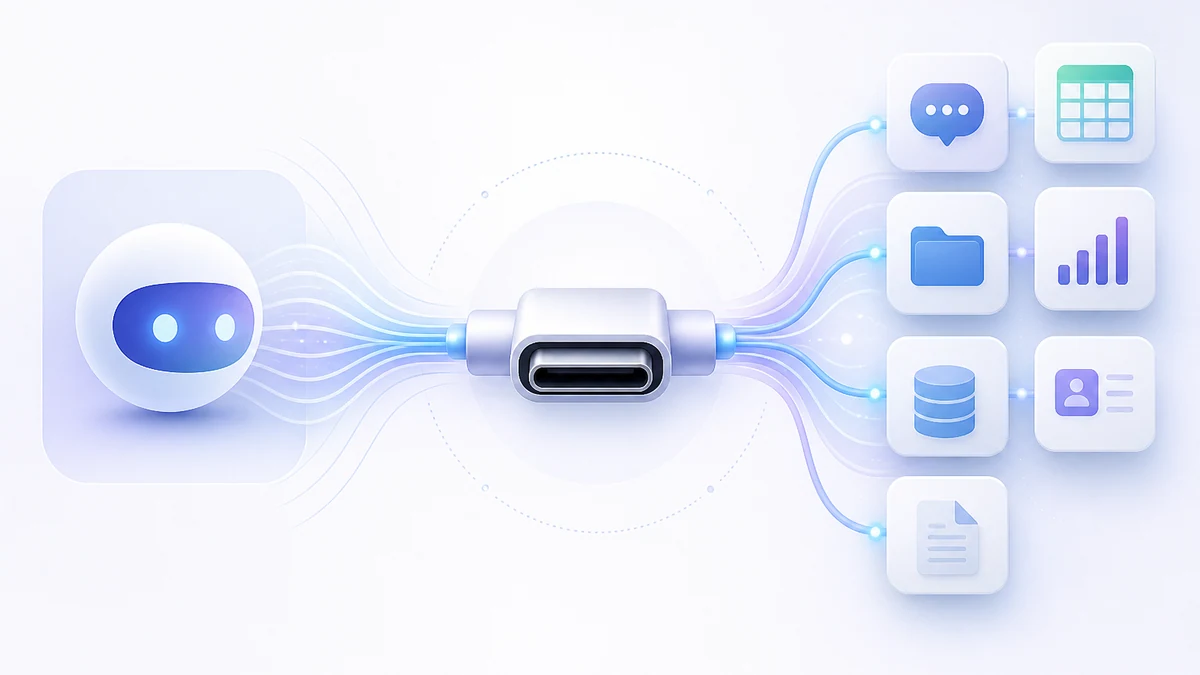
What MCP is, explained with a USB-C port
Think of a common socket: the assistant and the program agree on how to request information and call functions. The analogy describes an interface, not automatic compatibility with everything. The MCP documentation distinguishes the AI app, the client that maintains the connection and the server that exposes the tools.
A connected program might offer a contact search and a function to add a contact. They are different operations: access to the search must not automatically include the right to change data. The assistant turns the request into calls to the available tools and returns the outcome.
MCP is not a product you buy
You don't buy the protocol. You choose an application and a service that support it, each with its own terms and permissions. If MCP isn't available, there may be APIs or specific connectors: the standard is one integration option, not the only one.
When you evaluate software, ask which data and operations it makes available, with which permissions and with which apps. The useful answer is a test on your own workflow, not just an “AI-compatible” logo.
What really changes: disconnected chatbot vs connected AI
With a file, you choose the snapshot to analyze. With an integration, the assistant can retrieve information when it needs it, within the limits of the functions exposed. The data is not necessarily complete or updated in real time: it depends on the service.
| Question | Chat with an uploaded file | Chat with MCP tools |
|---|---|---|
| What data does it use? | The shared file and context | The results of authorized operations |
| Does it update the management software? | The file alone doesn't change it | Only through enabled write tools |
| What should you check? | The file's content and how it is handled | Permissions, results, actions and data handling |
| Example | Summarize this list of contacts | Find the contacts and prepare a draft follow-up |
Concrete examples: what you can ask the AI
These are examples of possible requests, to try only when the connection exposes the necessary functions and data. They are not automations already guaranteed for every account:
- “Which contacts should I get back to?” This needs a reliable history and explicit criteria.
- “Add this company.” Duplicates and required fields have to be checked first.
- “How much have we spent on software?” You need to define the period, accounts and categories.
- “Suggest a call with the client.” Sending the invite is a further step that needs authorization.
- “Prepare a draft from these documents.” The text has to be checked against the original sources.
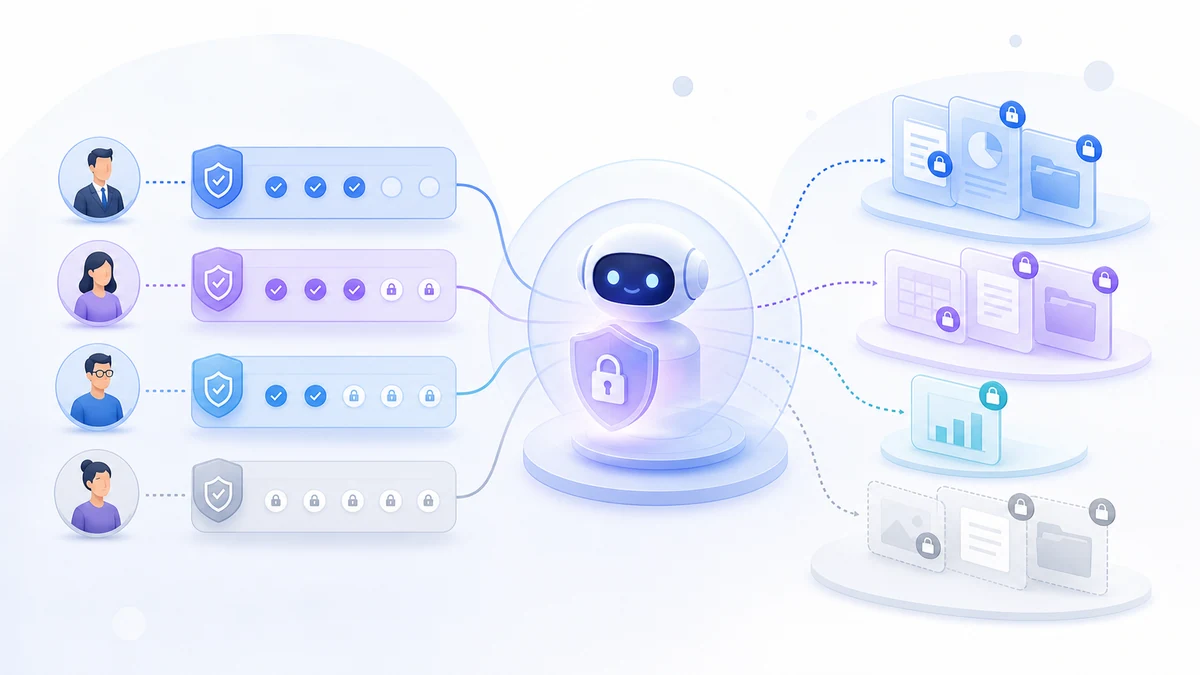
But is it safe to give AI access to my data?
The useful question is: which doors does this connection open? The server has to check permissions on every operation. Setting up broad access and asking the assistant to “be careful” is not the same as limiting it technically.
- Check which functions are exposed and how access is enforced, as set out in the MCP tools specification.
- Clarify which information goes to the AI provider and how it is handled.
- Agree on confirmations for sensitive actions and a way to check the outcome.
Why it matters now (and Vision's approach)
For an SME I would start from the work to simplify: finding information, preparing a quote, organizing documents. Before adding the assistant, check that the data is readable and the process is defined. Otherwise the connection risks automating confusion that already exists.
Vision offers MCP tools on the platform's data, and LuCz uses it as a technical foundation where it suits the project. In custom systems, part of the work is deciding which functions to expose and which controls to apply. The guide on how to connect AI to company data goes deeper into the practical assessment.
An AI connected to your data saves you the time spent searching, not the time spent thinking: the judgment stays yours.
Frequently asked questions
What is MCP in simple words?
Do I need to know how to code to use it?
Which AI assistants work with MCP?
Is it safe to connect AI to my company's data?
What's the difference between a chatbot and an AI connected via MCP?
If you want to understand whether an AI connection would help your business, describe the task and the software you use. Through the LuCz services we work on software and integrations for SMEs; you can write to me at matteo.lucrezio@lucz.dev to start from a concrete case.
Sources
Written by

Matteo Lucrezio
Startupper | Lead Software Engineer