Digital product ownership: is it really yours?
A practical checklist to tell apart rights to the software, availability of the source code and operational control.
Owning a digital product and being able to run it are related questions, but they are not the same. Having the source code is not the same as holding all the rights to the software; having a license does not necessarily mean you can move the service to another technical provider. To understand what you can do, you need to check agreements, components and access.
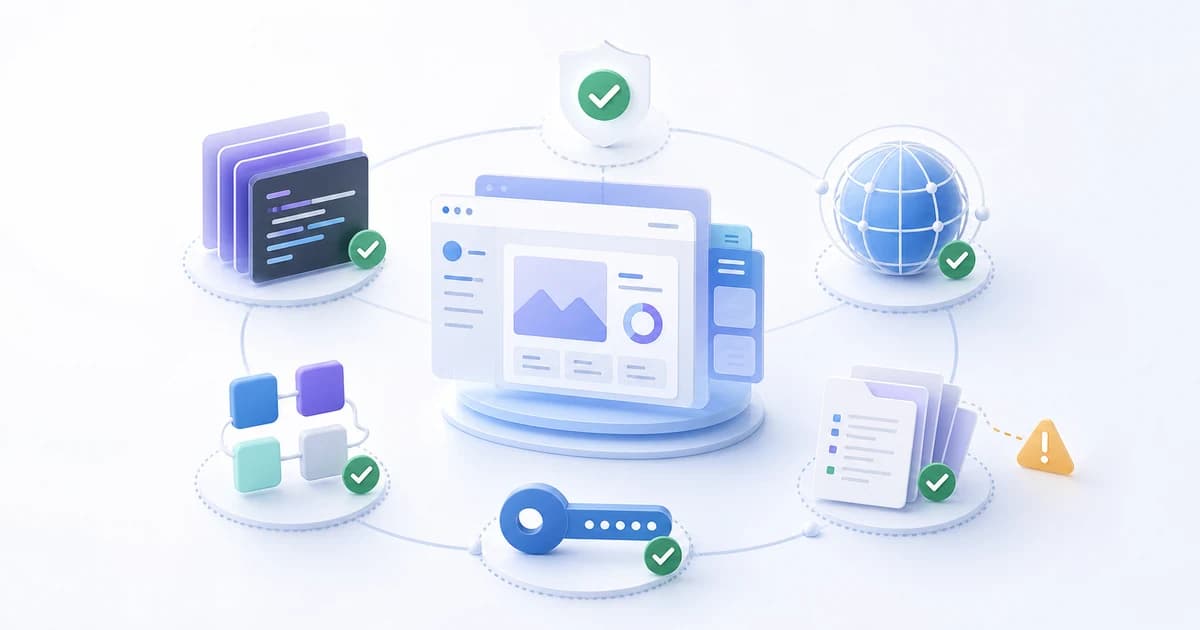
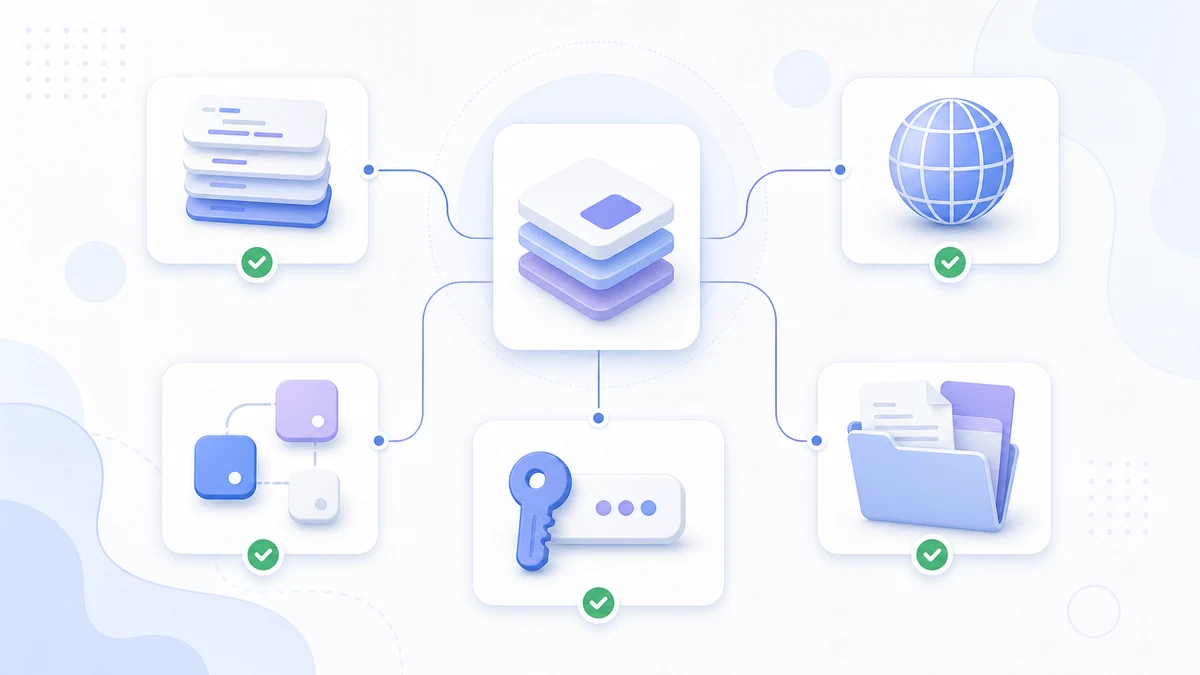
I would start from a practical question: if you had to change vendors, what would you need to keep working? Here I suggest five areas to check: code, domain, accounts, access and documentation. They are an operational checklist, not a legal classification.
Software rights and operational control
The European directive on the legal protection of computer programs distinguishes the rights reserved to the rightholder from the uses that are permitted. For a commissioned product, the actual scope also depends on the contract and on the applicable law: delivery of the source code, license, assignment of rights and maintenance need to be examined separately.
Imagine this scenario: the management software works, but the repository and the hosting service can only be accessed by the vendor. That alone does not prove who holds the rights to the software; it does, however, point to an operational dependency to clear up before an urgent fix is needed.
This dependency can arise during development, when temporary accounts are opened without defining the handover. It is worth discussing while the relationship is working well: what passes to the company, what stays with the vendor and which services are shared with other clients.
The 5 components that decide who controls your product
These five areas help you check whether the product can keep running. For each one, ask yourself who controls it, what rights you have and how a handover would work.
1. The source code and the rights to use it
The source code contains the software's instructions. To rebuild the product you also need the dependencies, the configuration and the startup instructions: a folder of files, on its own, might not be enough.
Ask for an up-to-date copy or access to the repository, together with the terms that let you modify the software and have someone else maintain it. Keep the code developed for you separate from libraries, external services and the vendor's own components: they may have different licenses.
2. The domain: the address where people find you
The domain is the name people use to reach the site, for example yourname.com. In the registrar's control panel, check the registrant, the recovery contacts, the renewal and the transfer procedure. An access problem can take down both the website and email; a change of vendor should be prepared while keeping the domain and the DNS configuration active.
3. Service accounts: the engines that keep it running
Hosting, DNS, email, analytics and connected services each have their own accounts and terms. Where possible, use accounts controlled by the company and invite the vendor as a collaborator. For managed or shared services, agree instead on export, continuity and migration support.
4. Technical access: the keys to the house
Technical access is the set of keys to the product's house. There are at least four kinds that matter:
- Servers and databases: where the product runs and where your data lives
- Admin panels of the various services
- Code repository and deploy pipeline: the mechanism that puts updates online
- API keys for the connected services
The goal is to have the access you need, or an agreed procedure for transferring the service. It does not mean handing out administrator credentials to everyone or asking for access to other clients' systems.
5. Documentation: the map to find your way around
The documentation should explain where the product runs, how it is updated, how a backup is restored and who manages access. Credentials belong in a company secrets or password manager; the documentation says how to obtain them, without copying them in plain text.
| Component | What it is | What you risk if it isn't in your hands |
|---|---|---|
| Code and licenses | Source code, dependencies and rights to modify | Difficulty rebuilding the product or having it maintained |
| Domain | Registration, renewal and recovery | Website and email outages |
| Service accounts | Ownership, or service and migration agreements | Depending on the vendor for essential operations |
| Technical access | Roles, recovery and key management | Not being able to step in when you need to |
| Documentation | Startup, updates, backup and restore | Operational knowledge concentrated in one person |
The one-sentence test
If you changed vendors tomorrow, would you know how to keep the product running?
An uncertain answer tells you which information you need to recover. For the technical side, ask a professional to check; for rights and contractual obligations, have the agreement read by someone who can assess it for your case.
The point is not to prepare for war with your vendor: it's the same logic as insurance. You hope you'll never need it, but you take it out when things are going well, not after something has already gone wrong.
How to check what you really own: 6 practical checks
- Ask where the code is and check that the copy you were given matches the version in production.
- Check the domain's registrant, renewal and recovery contacts.
- List the active services, their accounts and the terms for transferring them.
- Test the authorized access and account recovery with the technician you have engaged.
- Check the contract for licenses, rights to modify, deliverables and excluded components.
- Ask for the startup, deploy, backup and restore instructions, with references for obtaining credentials securely.
If some access is missing, first find out why: it could be an oversight, a managed service or a limit set by the agreement. Get the recovery or migration agreed in writing, without interrupting the service.
What to clarify in your next contract
Before signing, take these points to the vendor and to whoever handles the contractual side. Scope and terms must be consistent with the type of service you are buying:
- Which code is delivered, when, and with which rights to use and modify it.
- Which components remain third-party and which licenses or fees they require.
- Who controls the domain and the accounts, and which services are managed by the vendor.
- How authorized access is stored and transferred.
- Which documentation and which proof of a working restore are part of the delivery.
- How the end of the relationship works: exports, support, timing and costs.
A subscription service and custom development can come with different terms. The point is to know them before choosing, without confusing a license to use with an assignment of rights.
Frequently asked questions about digital product ownership
If I paid for the development, is the source code automatically mine?
Who should the domain of my website be registered to?
What technical access should I have to my digital product?
What is vendor lock-in?
The vendor has disappeared and I have neither the code nor access: where do I start?
What is the difference between a license to use and an assignment of the code?
If you want to work out what your company controls today, start with a technical inventory. With LuCz services we can examine code, infrastructure and handover: write to me at matteo.lucrezio@lucz.dev and tell me which product you want to check.
Sources
Written by

Matteo Lucrezio
Startupper | Lead Software Engineer